Installing the StreamUP OBS-Studio Plugin
TIP
Did you know there is an easier way to install our OBS-Studio plugin?
We have a nifty tool called the StreamUP Pluginstaller that easily can install and update your OBS-Studio plugins!
Read all about it HERE
Using the installer
- Go to https://github.com/StreamUPTips/obs-streamup/releases/latest
- Click on the file that has the "windows-installer" text on it.
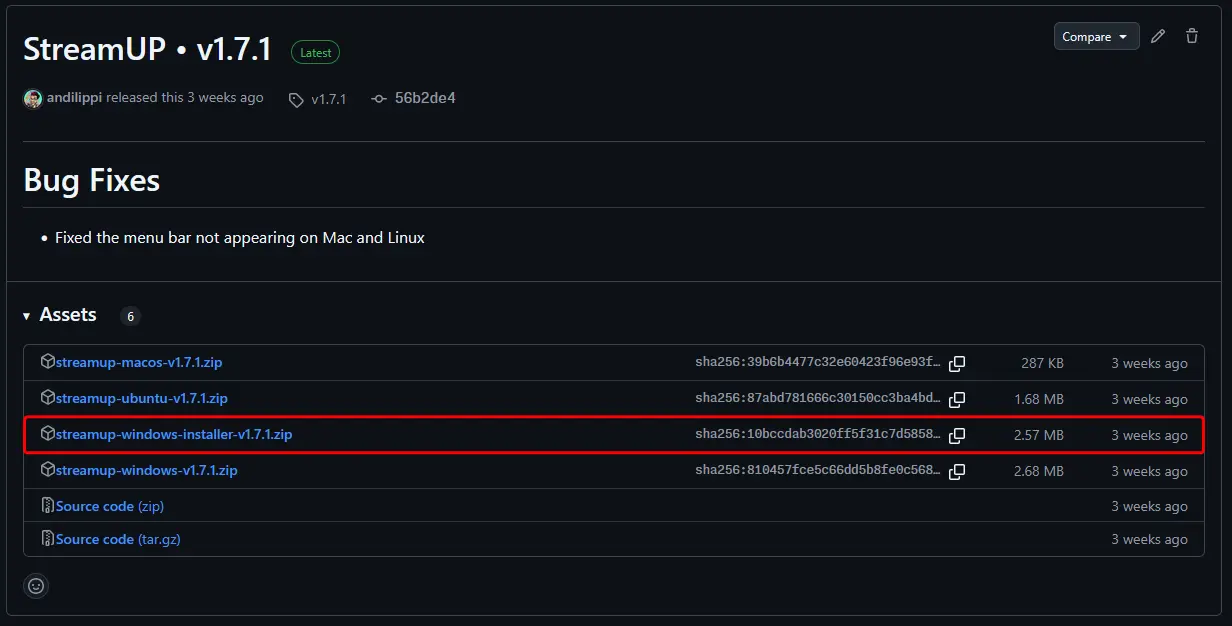
- Open up the downloaded Zip file
- Extract and run the "streamup-installer.exe"
- In de User Account Control (if enabled) press Yes
- On the next screen you can select where your OBS-Studio folder is, by default it will link to your
C:\Program Files\OBS-Studiofolder. When you've selected the proper destination pressNext
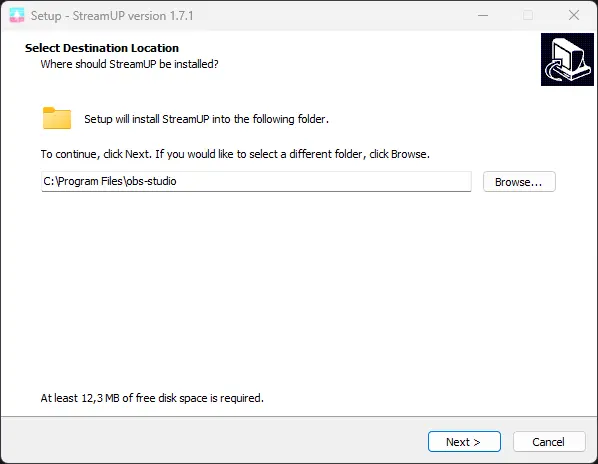
- Click next on this page
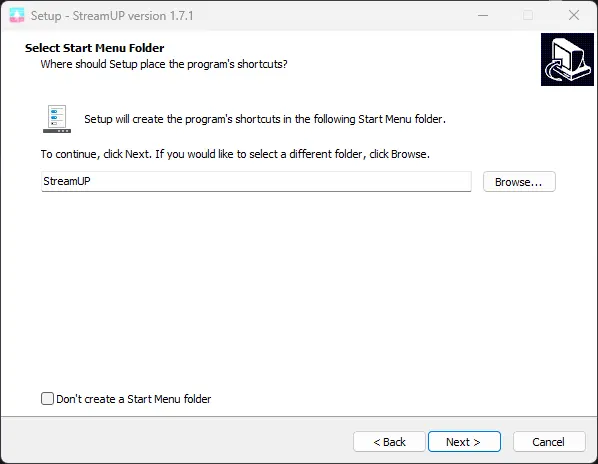
- This page can be ignored, but if you don't want a folder in your start menu for an easy Uninstall you can tick the box
Don't create a Start Menu folder.
- This page can be ignored, but if you don't want a folder in your start menu for an easy Uninstall you can tick the box
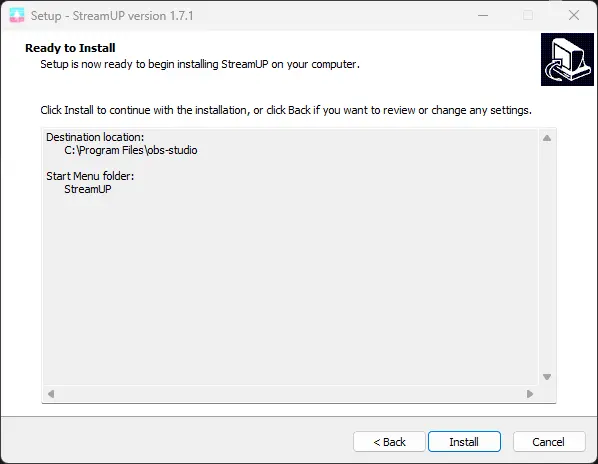
- This is just a summary page, press Install
- And it's done! Press Finish!
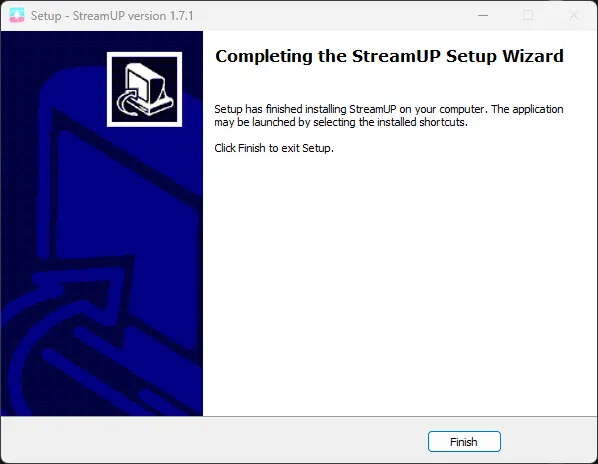
And that should be it! The StreamUP OBS Plugin should now be installed in your OBS-Studio, you can check this easily if there is an StreamUP menu item in your topbar!
Manual installation
- Go to https://github.com/StreamUPTips/obs-streamup/releases/latest
- Click on the file that has the "windows" text on it.
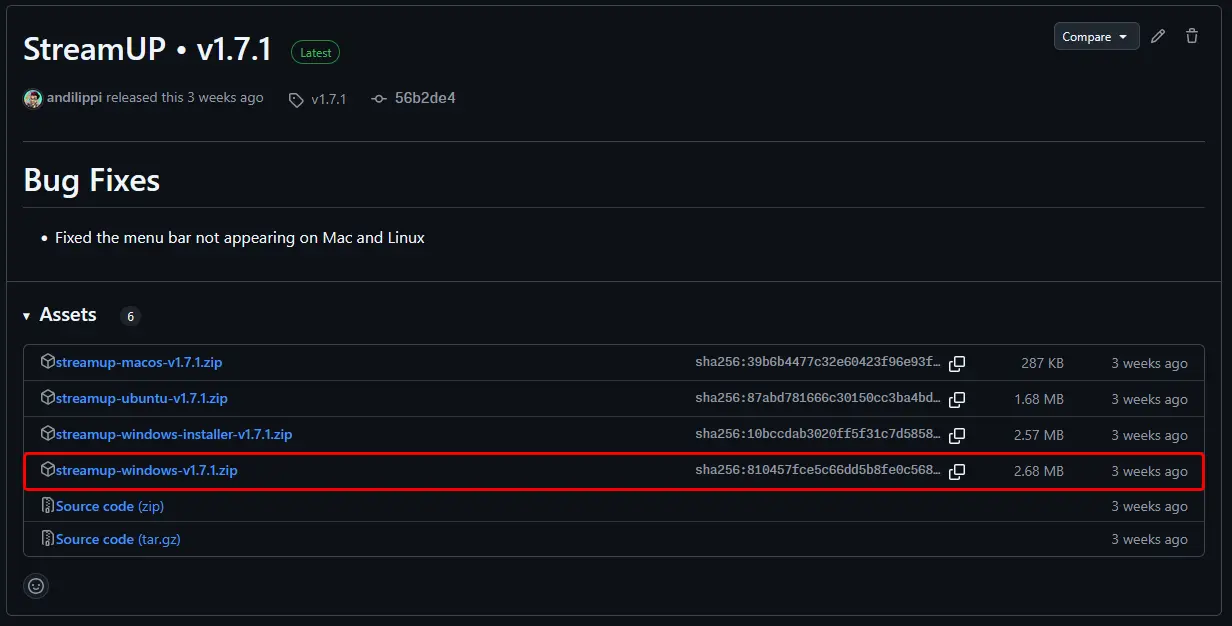
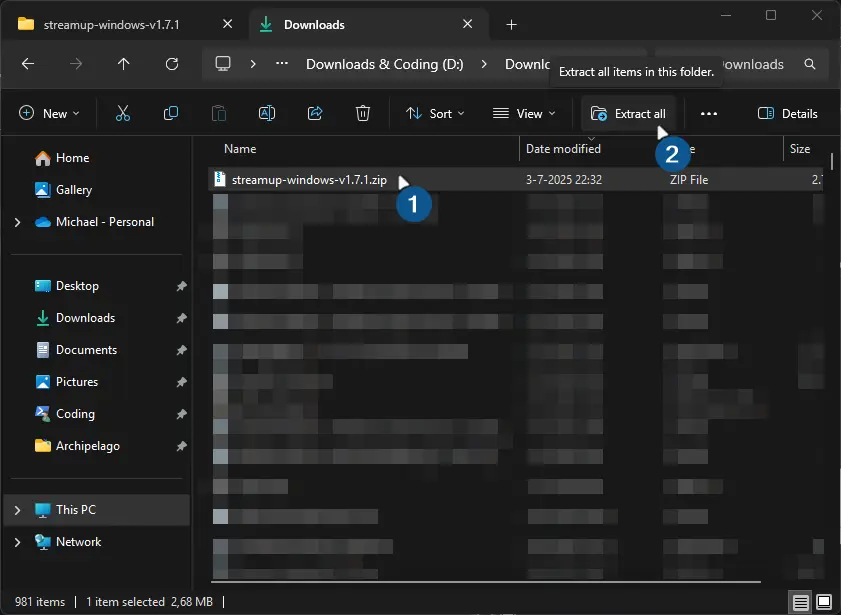
- Go to your download folder
- Click on the file and press
Extract All
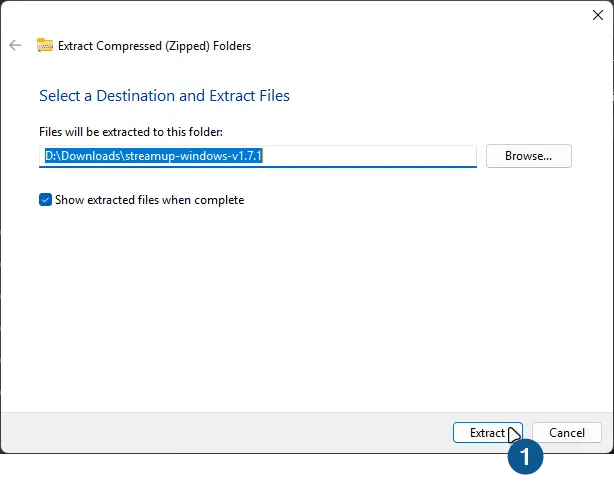
- On the newly popped up window leave the checkbox
Show extracted files when completeon and pressExtract
- When it's done a new file explorer window should popup select the files and press the copy button in the Explorer Ribbon
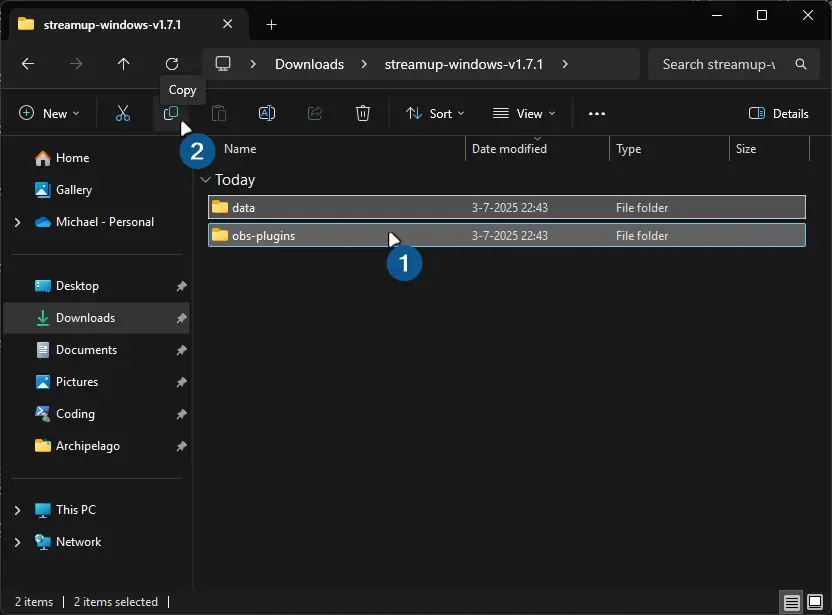
- Go to your OBS-Studio folder (usually located in
C:\Program Files\OBS-Studio) and paste the files
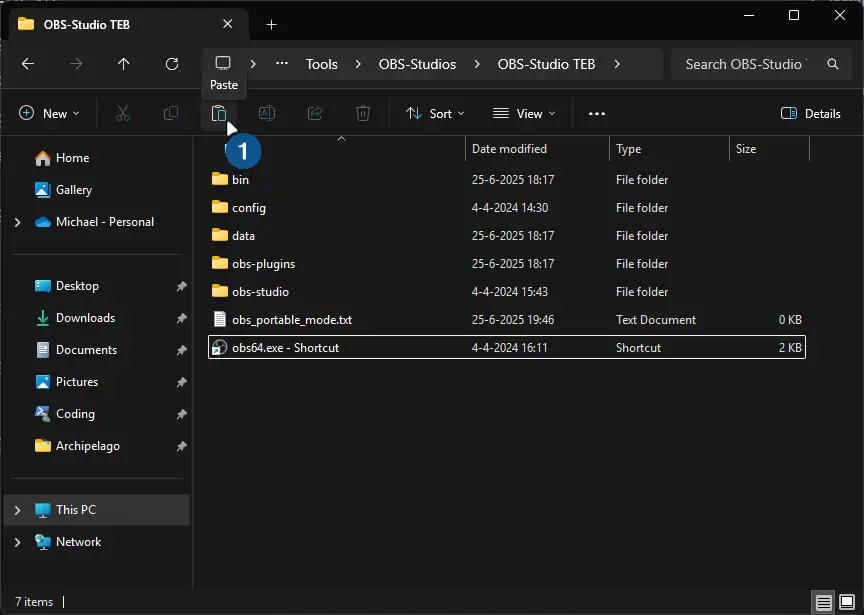
TIP / EXTRA STEP
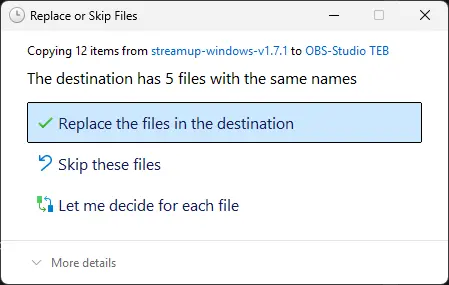
If you get a notice that it's trying to overwrite files you can press Replace the files in the destination without any issues!
And that should be it! The StreamUP OBS Plugin should now be installed in your OBS-Studio, you can check this easily if there is an StreamUP menu item in your topbar!
What to do with Defender SmartScreen
- Click on "More info"
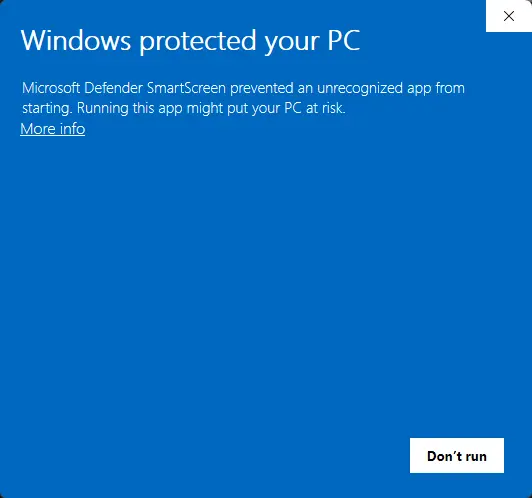
- Click on "Run anyway"
