Installing Browser Sources
Some StreamUP Products will come with a Browser Source folder, this folder will be name in accordance to the product and will usually include 3 files, index.html, style.css and script.js.
Not all products will have this, however the ones that do will have the Browser Source badge at the top.
It will look like this! -> Browser Source
Installing Browser Sources is a simple process.
Find the
ResourcesFolder (1)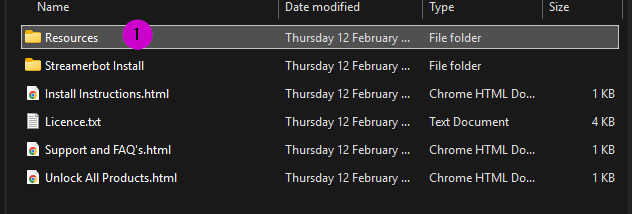
Find the
Browser SourceFolder (2)Take the folder in this case
multi_death_counterand put it in a safe location. (3)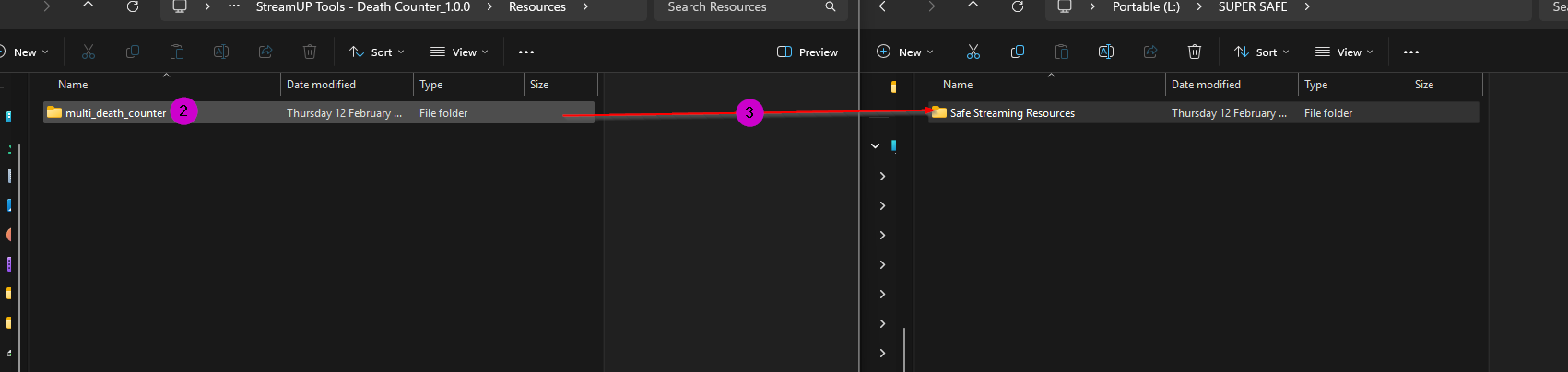
WARNING
Do not leave it in your download folder as accidents can happen, it is far better to put it in a safe place with all the your other streaming assets.
Inside OBS create a browser source press the
+to add a source (4)Then select
Browser(5)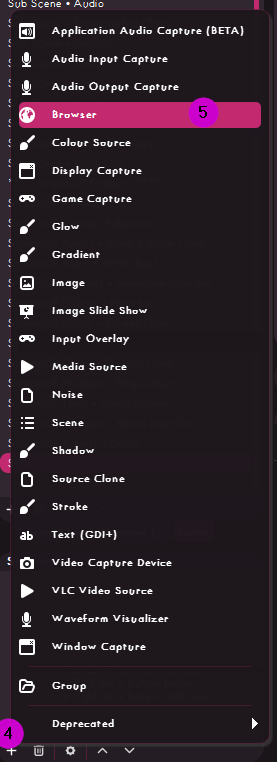
Give it a name (6)
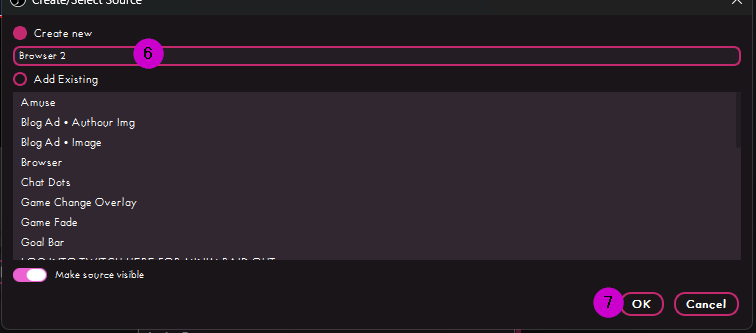
Press okay (7)
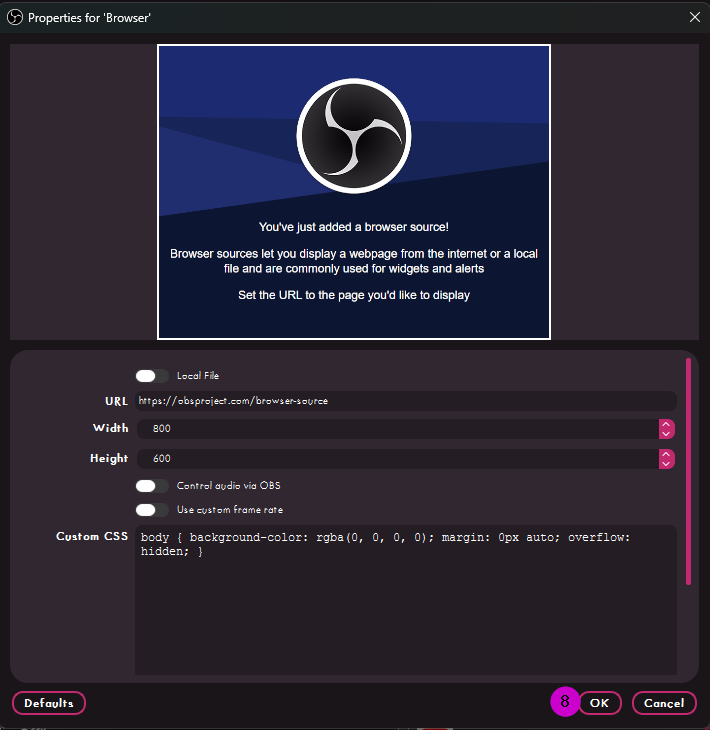
Don't worry about the size or a URL, Just Press Okay again.(8)
INFO
Since this is a Browser Source it will work in other streaming apps, however we don't often provide support for that and will require added steps that are not listed. For best results only use with OBS.
Congrats you now have your Browser Source Created.